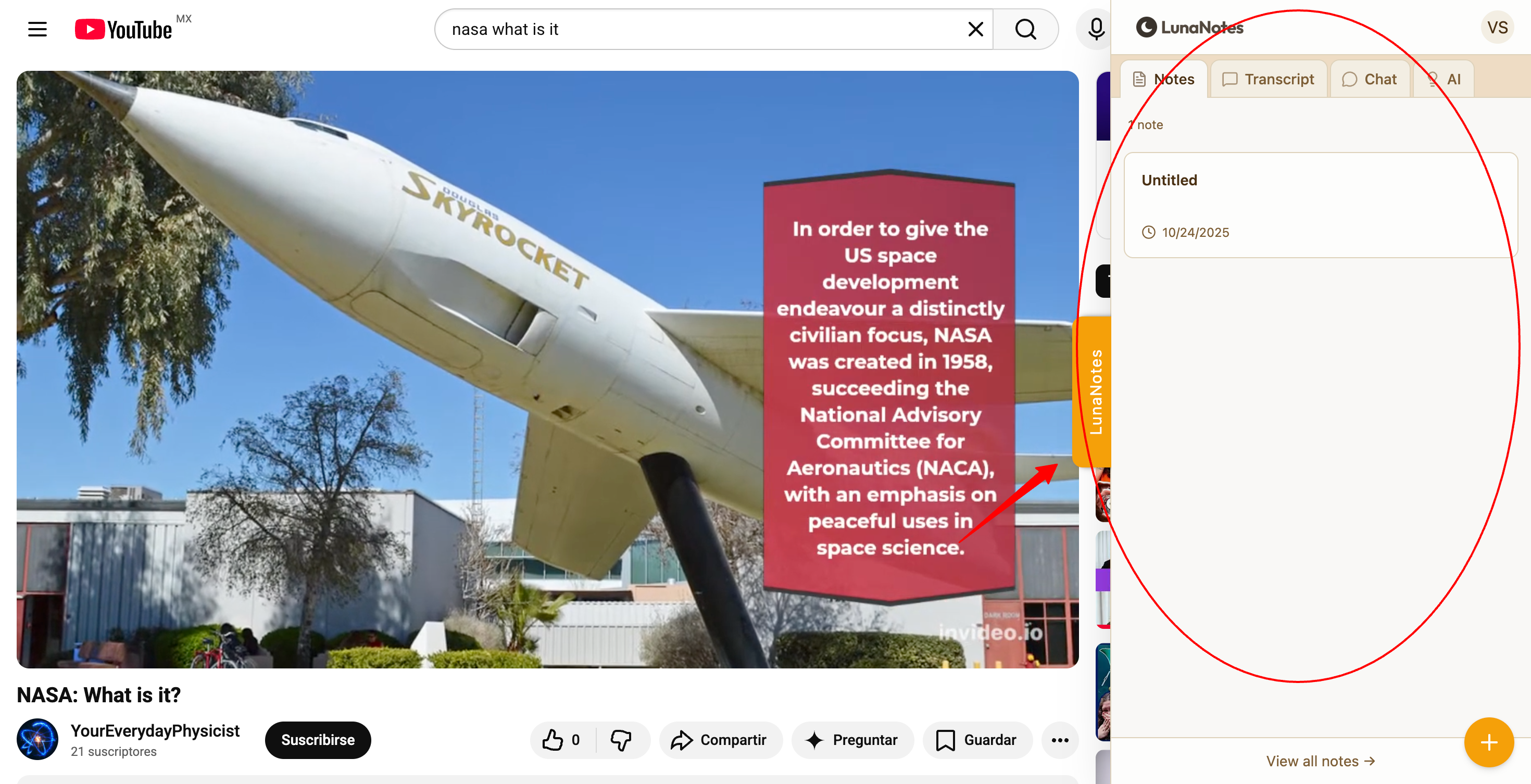
The LunaNotes YouTube Extension allows you to take notes and use AI tools directly while watching YouTube videos. Once installed and connected, the extension appears automatically on supported YouTube video pages.
1. Open a YouTube video
-
Go to YouTube.com.
-
Open any video.
The LunaNotes panel will appear on the right side of the video.
2. Take notes while watching
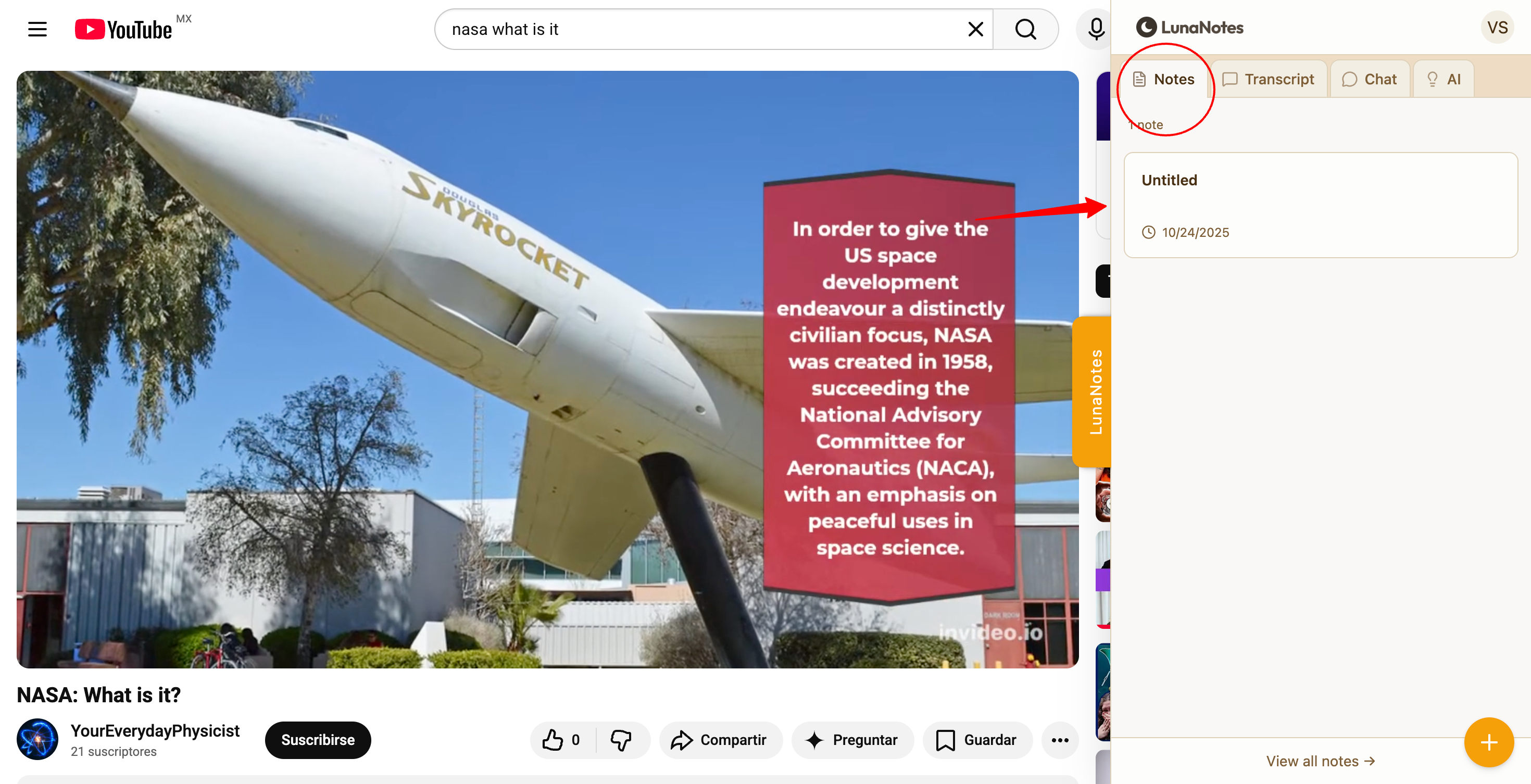
Type directly in the note editor inside the panel.
-
Notes are saved automatically
-
Notes are linked to the current video
-
You can continue editing later from the LunaNotes web app
3. Add timestamps
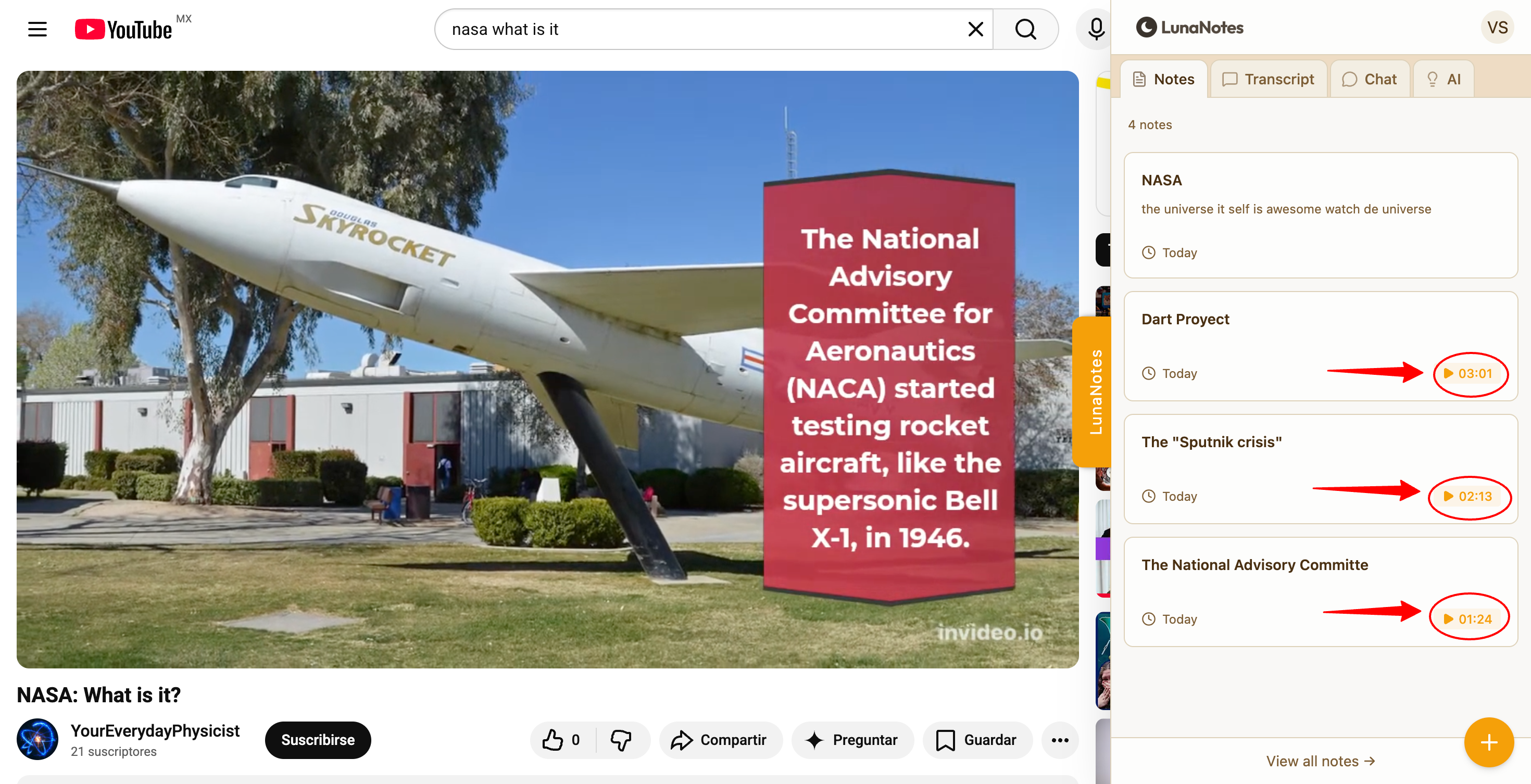
Insert timestamps into your notes to link ideas to specific moments in the video.
Timestamps allow you to:
-
Jump back to specific moments
-
Organize notes by video section
4. Use transcripts
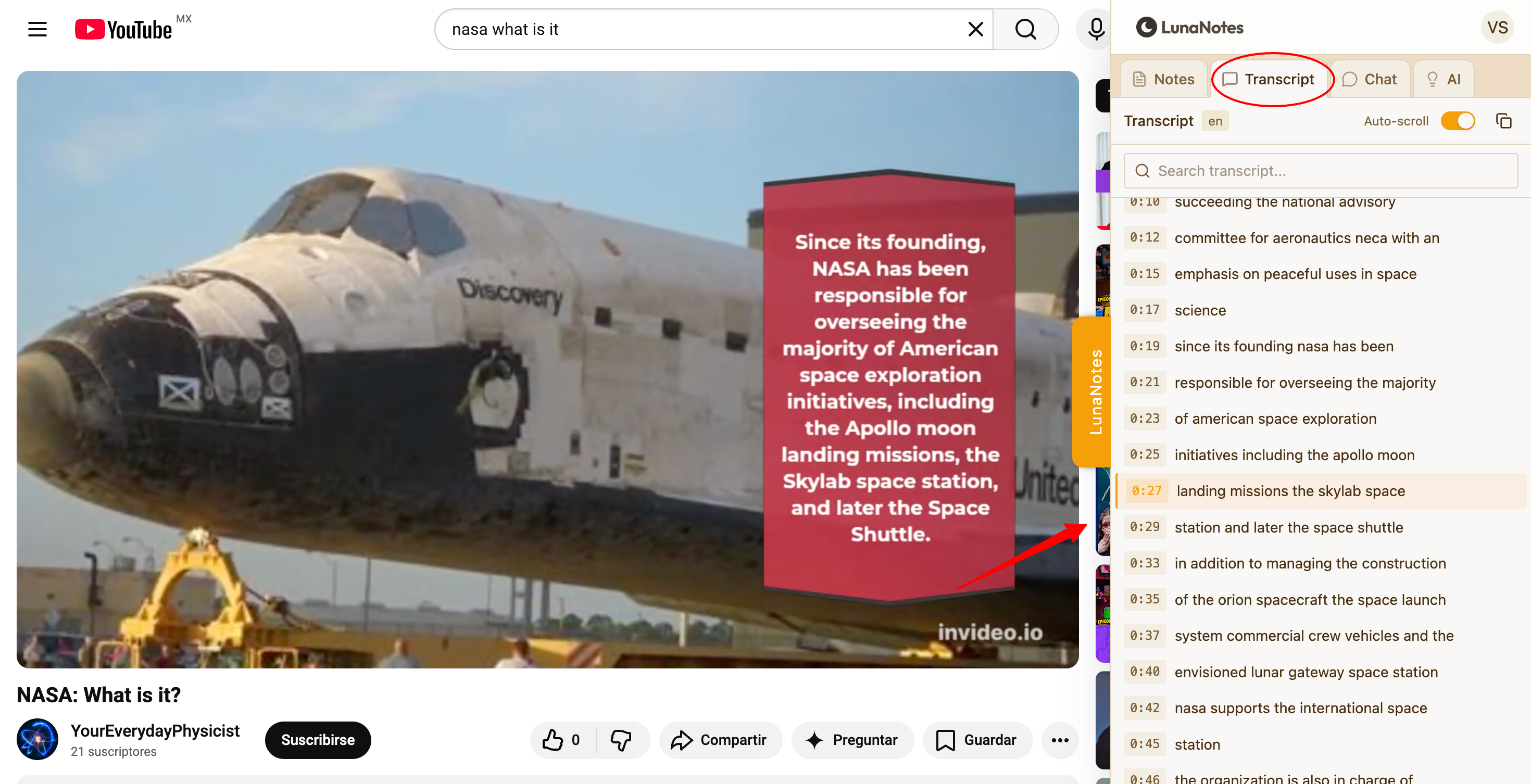
Open the Transcript view to follow the video content in text format.
You can review what was said and use it as a reference while taking notes.
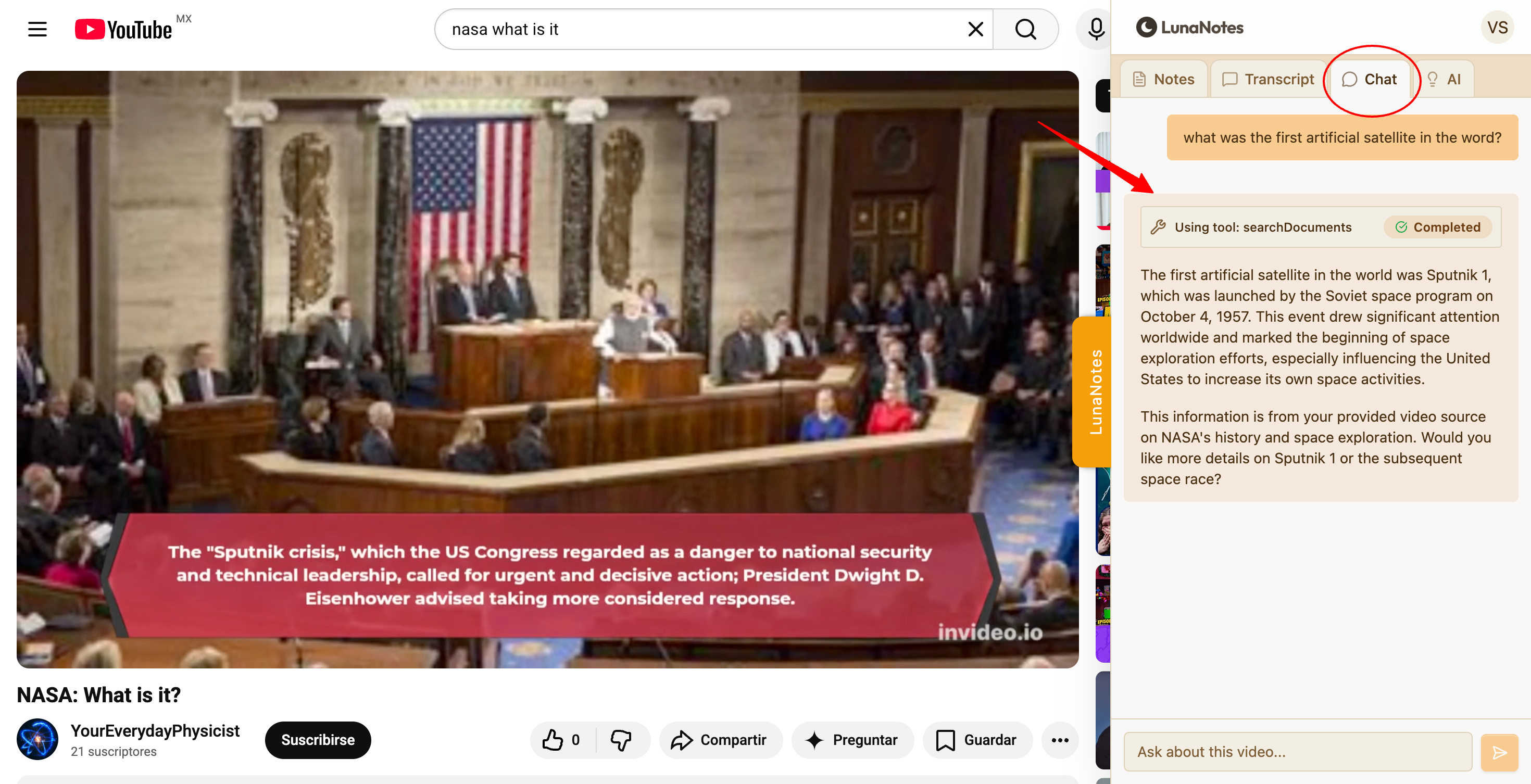
5. Ask questions with Chat
Use Chat to ask questions about the video content.
Chat can help you:
-
Clarify concepts
-
Get explanations
-
Identify key points
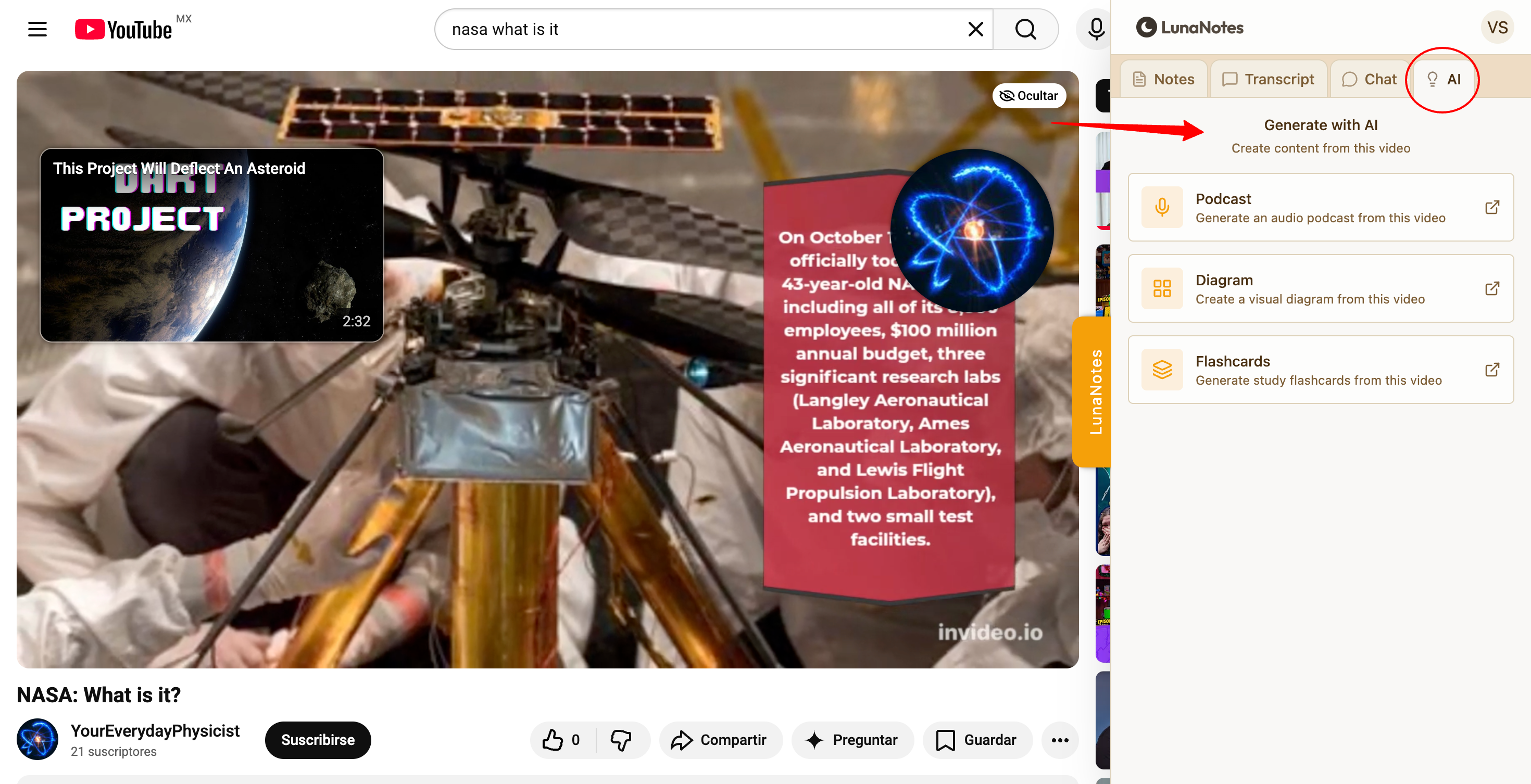
6. Use AI tools
You can generate study materials directly from the video, including:
-
Flashcards
-
Diagrams
-
Podcasts
All generated content is saved to your LunaNotes workspace.
7. Access your content later
Content created through the extension appears in:
-
Notes
-
Videos
-
Flashcards
-
Diagrams
-
Podcasts
You can continue editing from the LunaNotes web app at any time.