1. Open the Chrome Web Store
-
Open Google Chrome.
-
Go to the Chrome Web Store.
-
Search for LunaNotes.
2. Add the extension to Chrome
-
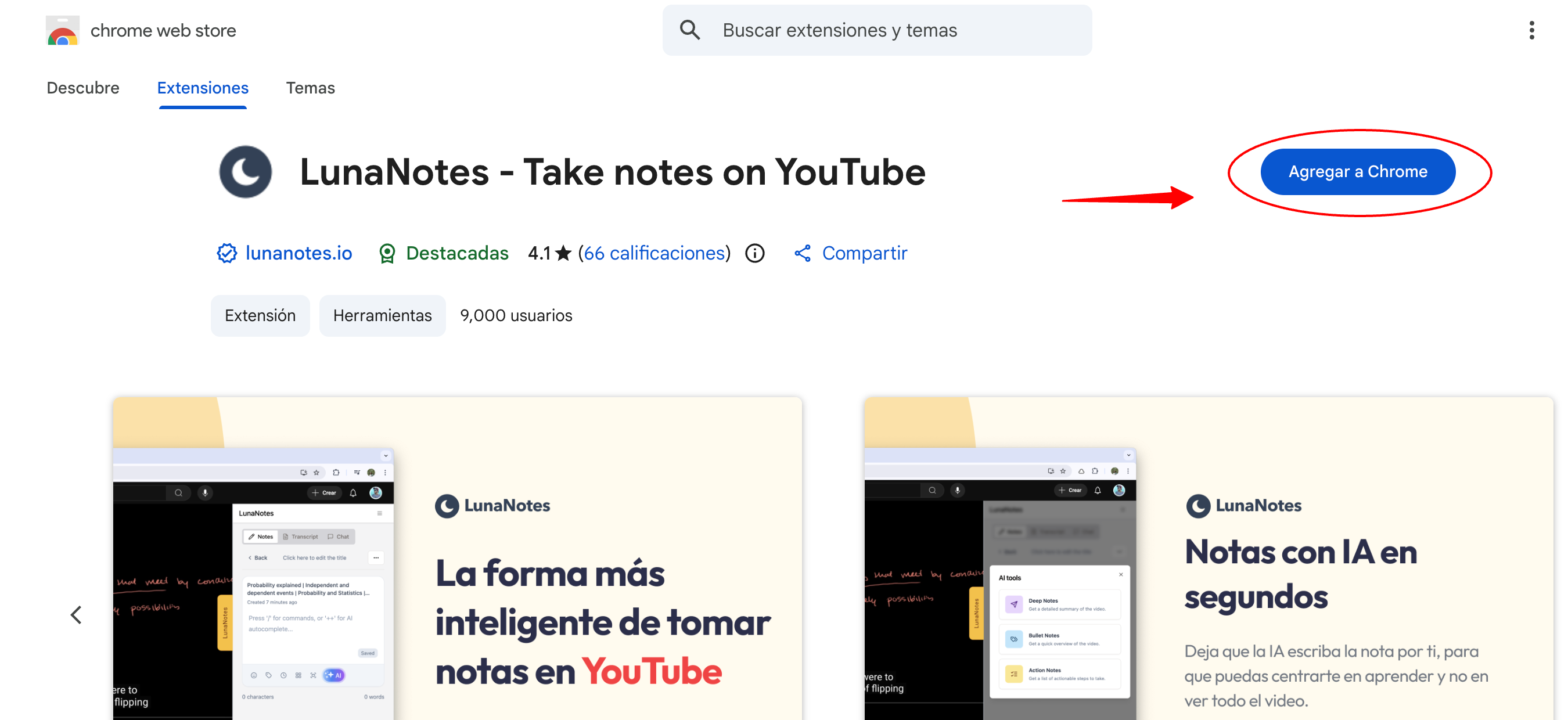
Click on the LunaNotes extension.
-
Click Add to Chrome.
-
Select Add extension to confirm.
Chrome will install the extension automatically.
3. Open a YouTube video
-
Go to YouTube.com.
-
Open any video.
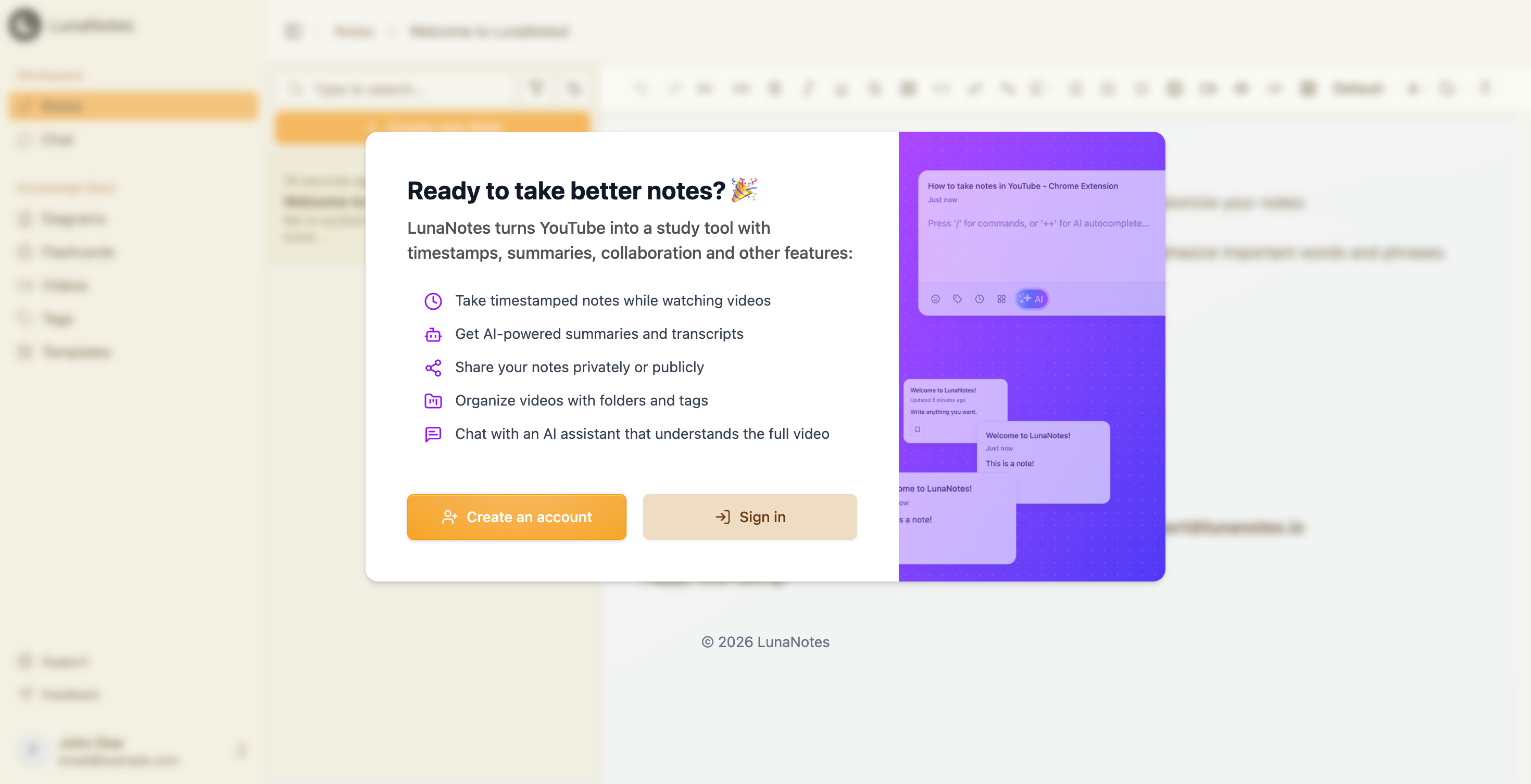
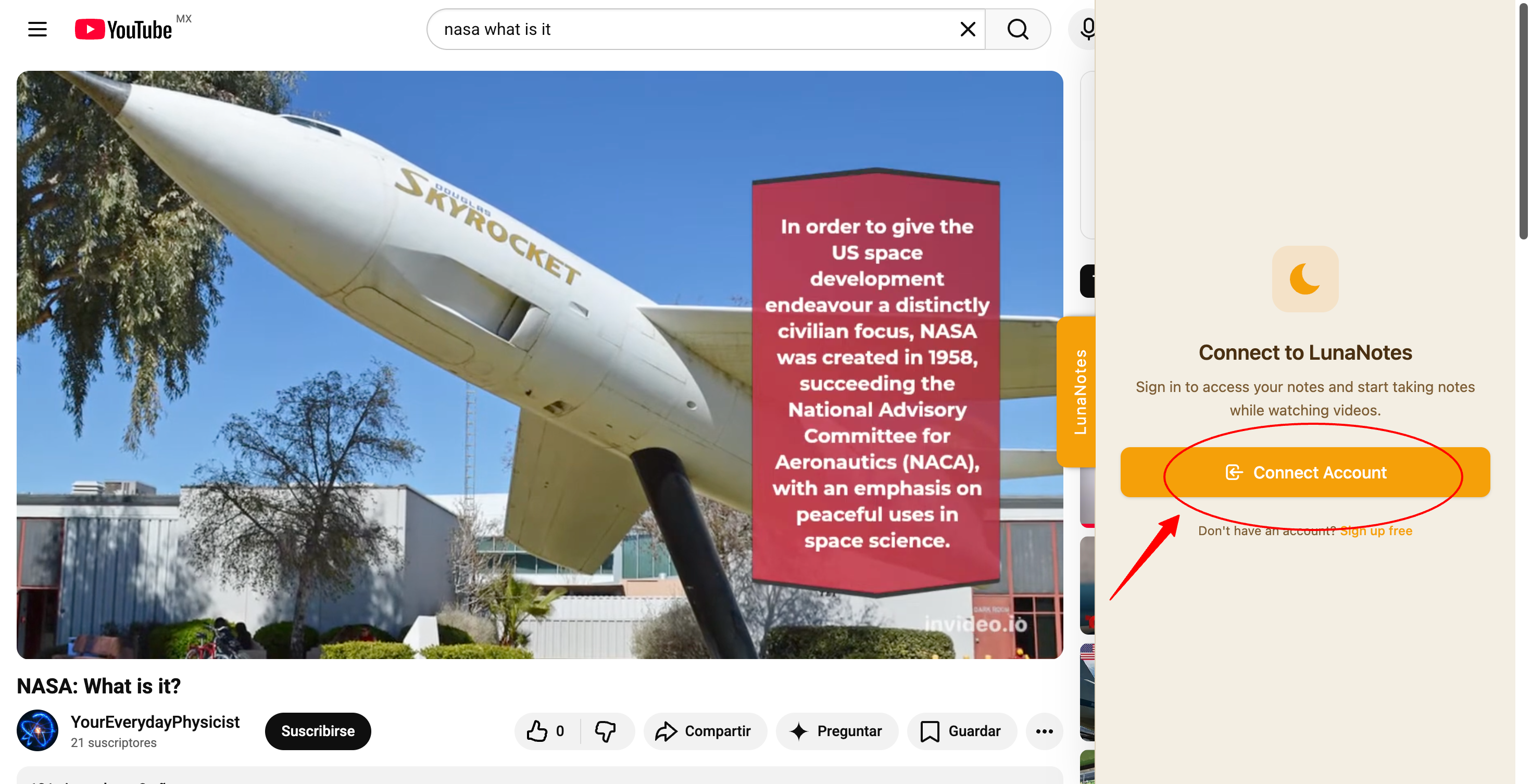
When the extension loads for the first time, a LunaNotes panel will appear on the right side with a Connect Account button.
4. Connect your LunaNotes account
-
Click Connect Account.
-
You will be redirected to LunaNotes to complete the connection.
-
Once connected, you will see a confirmation screen that says “You’re All Set!”.
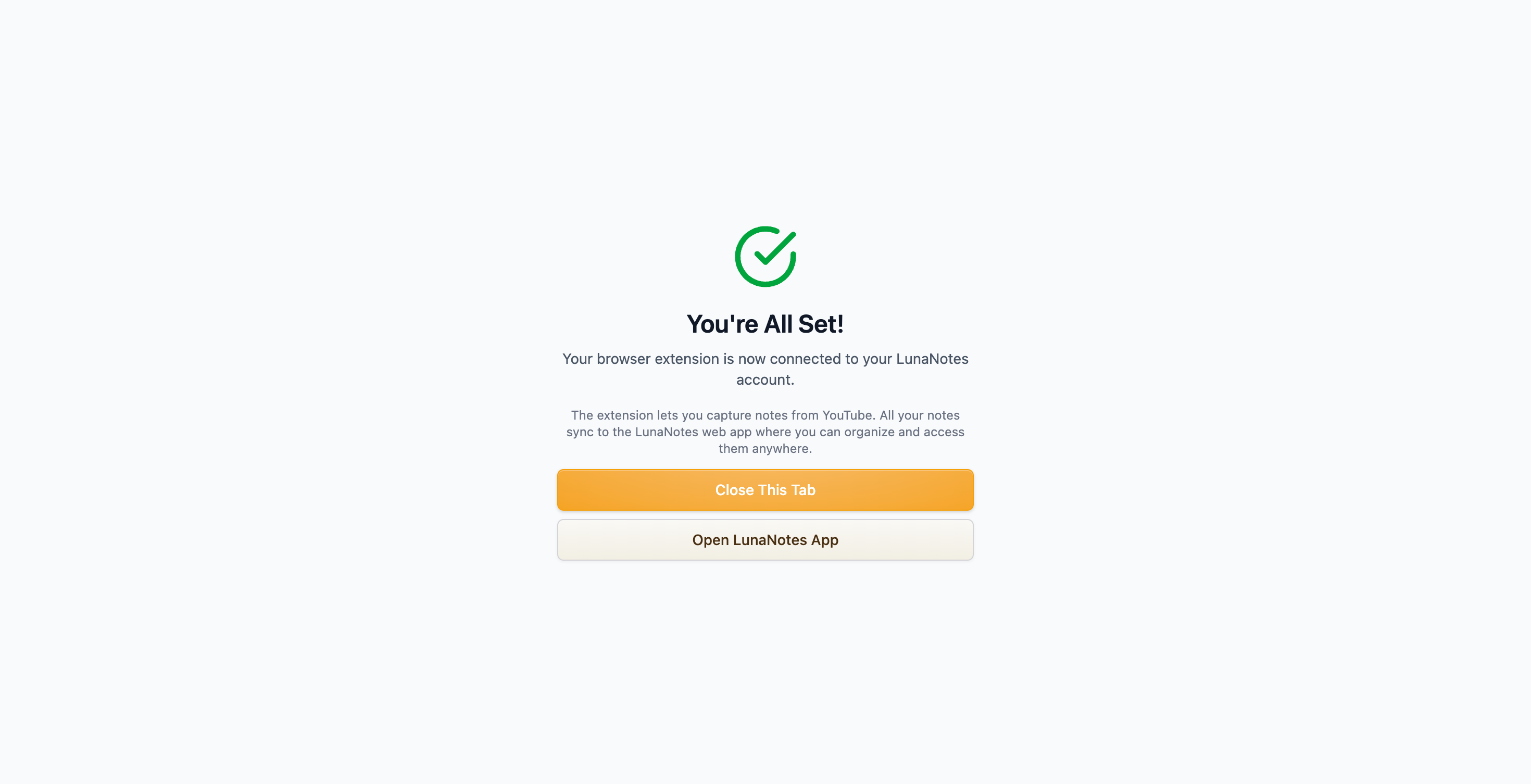
After this step, the extension will remain connected to your LunaNotes account, and you can start taking notes directly from YouTube.