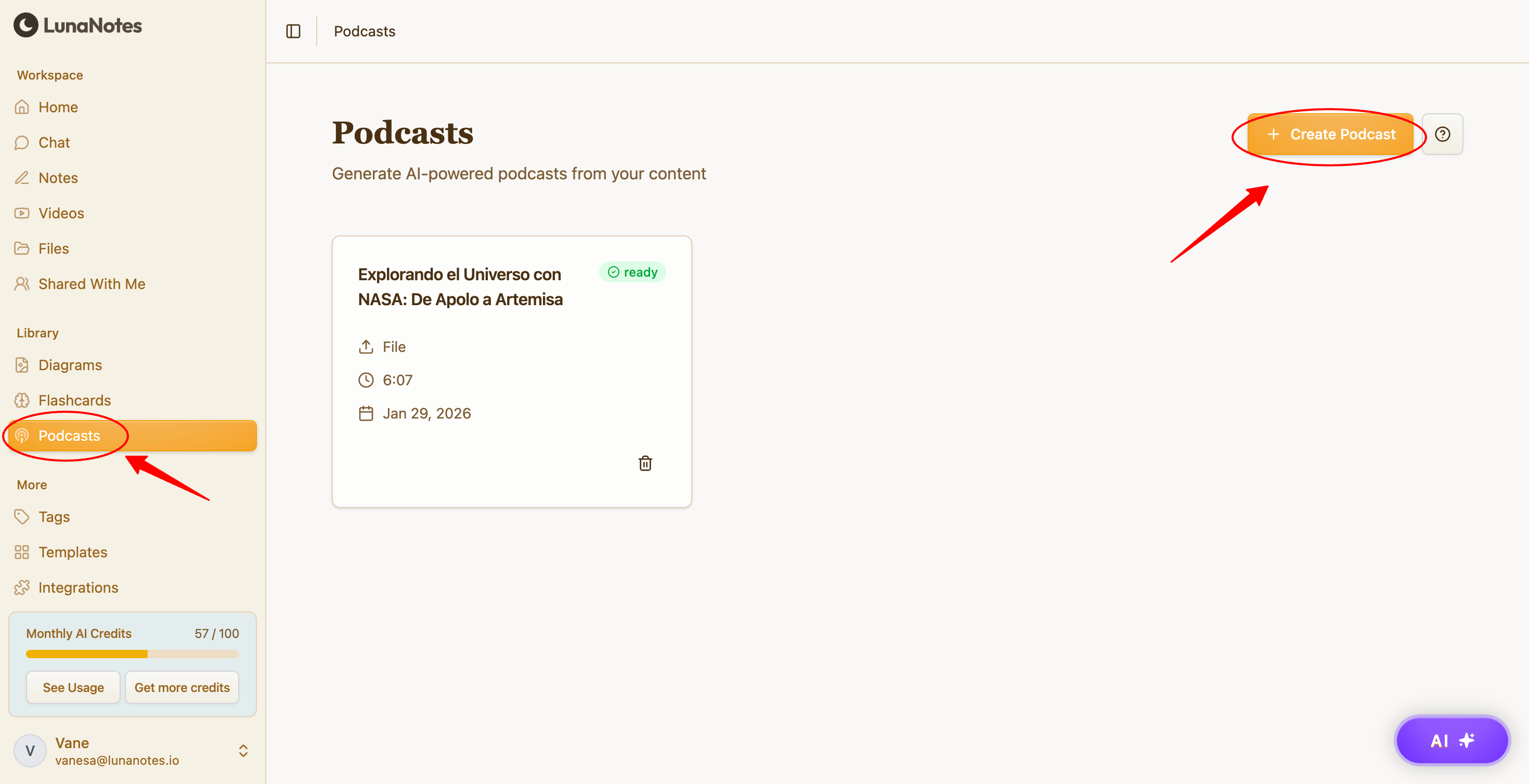
Step 1: Open Podcasts
-
Go to Podcasts from the main navigation.
-
Click Create Podcast.
Step 2: Select your sources
-
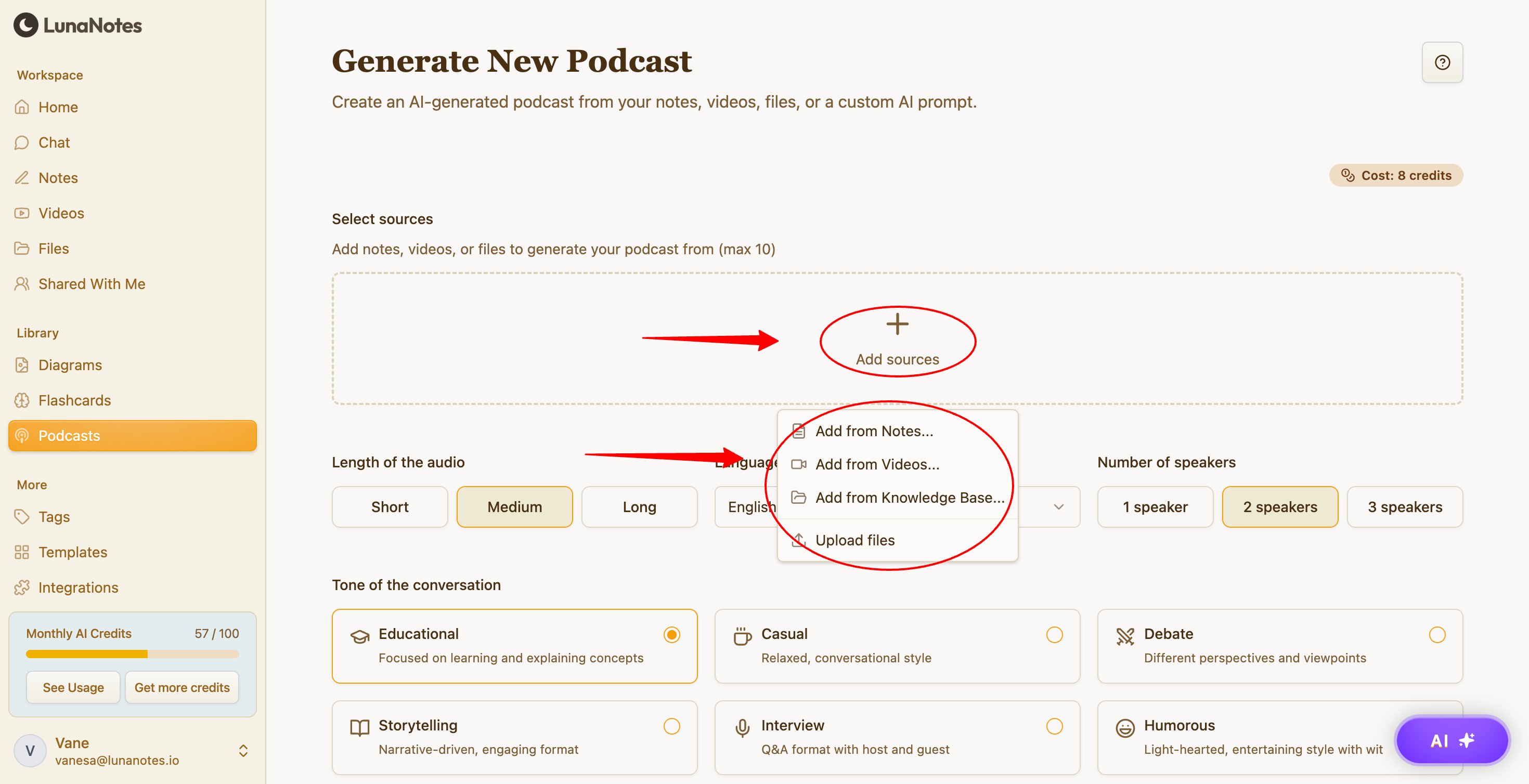
In Select sources, click Add sources.
-
Choose up to 10 items from:
-
Notes
-
Videos
-
Files
-
-
Confirm your selection.
These sources will be used to generate the podcast content.
Step 3: Choose the length of the audio
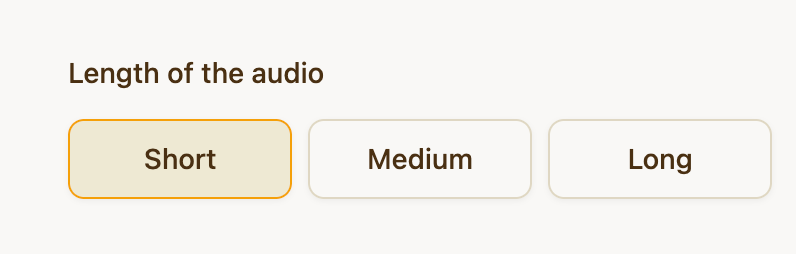
Select how long you want the podcast to be:
-
Short
-
Medium
-
Long
Step 4: Select the language
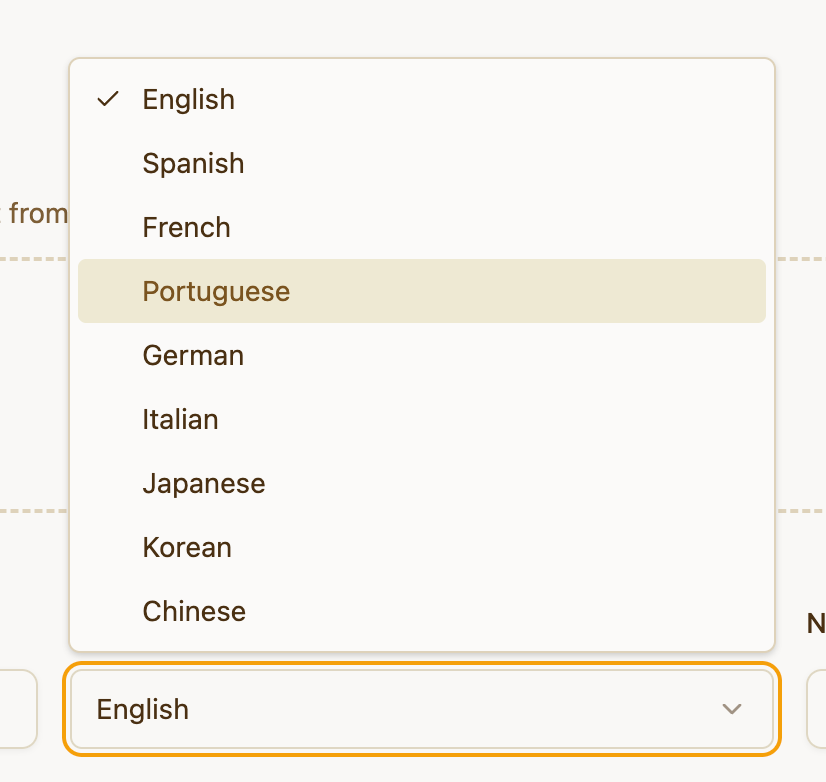
Choose the language for the podcast audio from the Language dropdown.
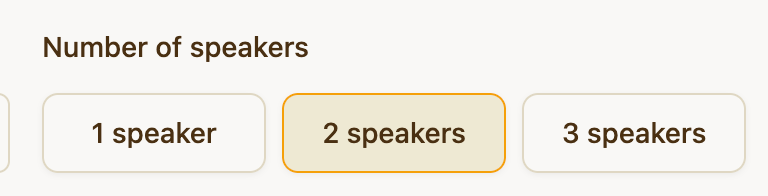
Step 5: Choose the number of speakers
Select how many speakers the podcast should have:
-
1 speaker
-
2 speakers
-
3 speakers
Step 6: Select the tone of the conversation
Choose the style of the podcast:
-
Educational – Focused on learning and explanations
-
Casual – Relaxed and conversational
-
Debate – Different perspectives and viewpoints
-
Storytelling – Narrative-driven format
-
Interview – Q&A style with host and guest
-
Humorous – Light and entertaining tone

Step 7: Add custom instructions (optional)
In Custom Instructions, you can provide additional guidance, such as:
-
Topics to focus on
-
Specific tone or style
-
Key points to emphasize

Step 8: Generate the podcast
-
Review your selections.
-
Click Generate podcast.
-
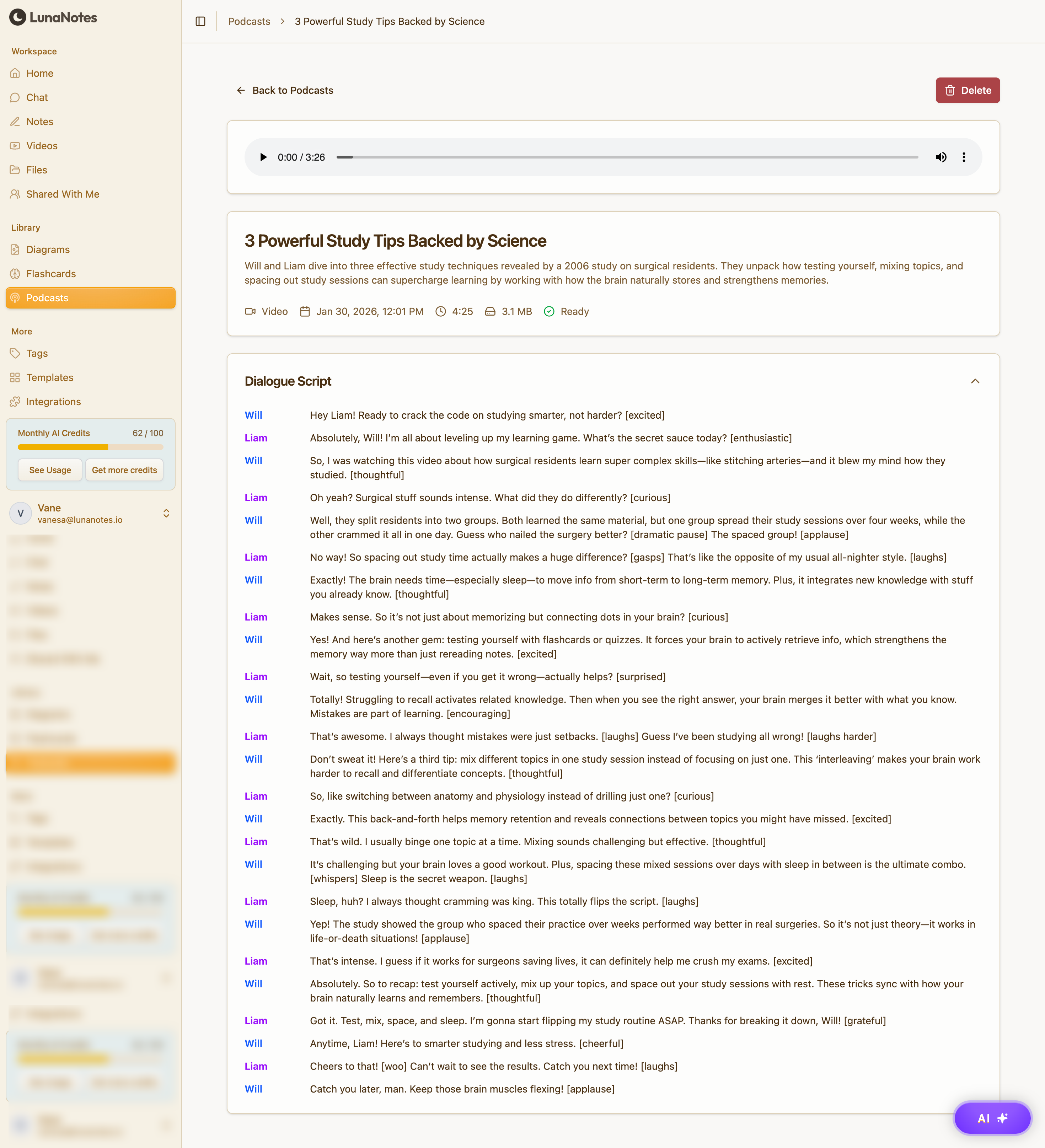
Once the podcast is generated, you can:
-
Play and pause the audio
-
Resume listening at any time
-
Use it as a hands-free study format
-
The credit cost is displayed before generation.